

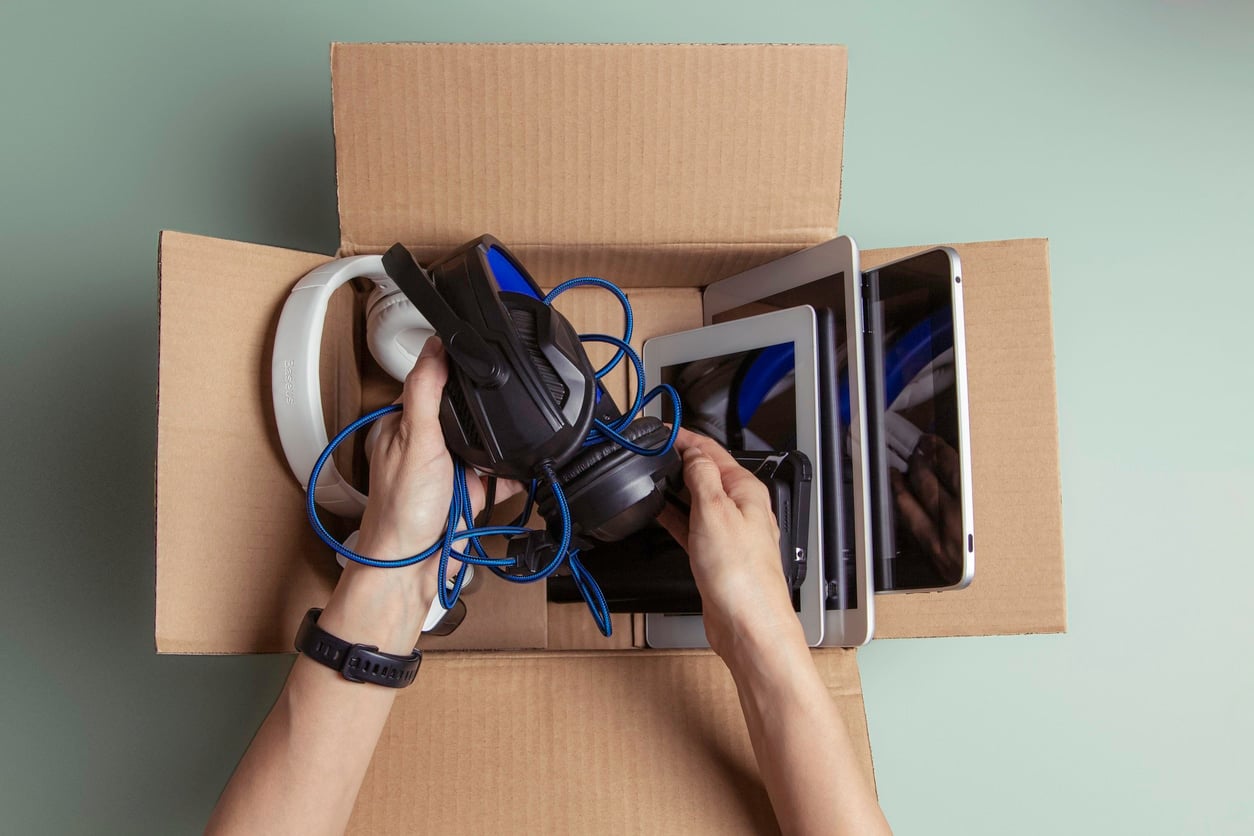
Electronic devices are some of the most fragile and high-value belongings you’ll move. Whether you’re relocating across state lines or across the country, a successful long-distance move depends on properly packing these items. Before you get started, here’s your complete guide on how to pack electronics for moving straight from our pros.
How To Prepare Electronics for Packing
The more organized you are upfront, the easier the process will be. Here are some best practices to get your electronics ready for packing.
Take inventory of all electronic devices
Due to their detachable parts and fragile mechanisms, packing electronics for moving requires extra caution. Taking inventory ahead of time will ensure that each device is accounted for. It will also streamline insurance claims if any damage occurs in transit.
List out all your devices: Televisions, computers, game consoles, speakers, tablets, printers, smart home systems, etc.
Include accessories, too: Cables, adapters, remotes, chargers, modems, routers, controllers, surge protectors, etc.
Take photos of each item: This helps with documentation if you need to file a claim, while making setup easier in your new home.
Gather packing materials and supplies
The materials you use to pack electronics for moving will determine how safe they remain in transit. Don’t skimp in this area—invest in durable, high-quality materials that can withstand a long-distance move and minimize the risk of potential damage.
Use original boxes if possible: If you don’t have the original boxes, then opt for the sturdiest boxes you can find with corrugated inserts.
Assemble the right materials: These include packing paper, durable tape, anti-static bubble wrap, foam inserts, and a marker for labeling.
Back up your critical electronic data
Your computers, tablets, and smartphones contain valuable data that you’ll need access to if these items are broken, lost, or stolen during the move. To keep this information safe, upload all critical files from your devices to the cloud or an external hard drive.
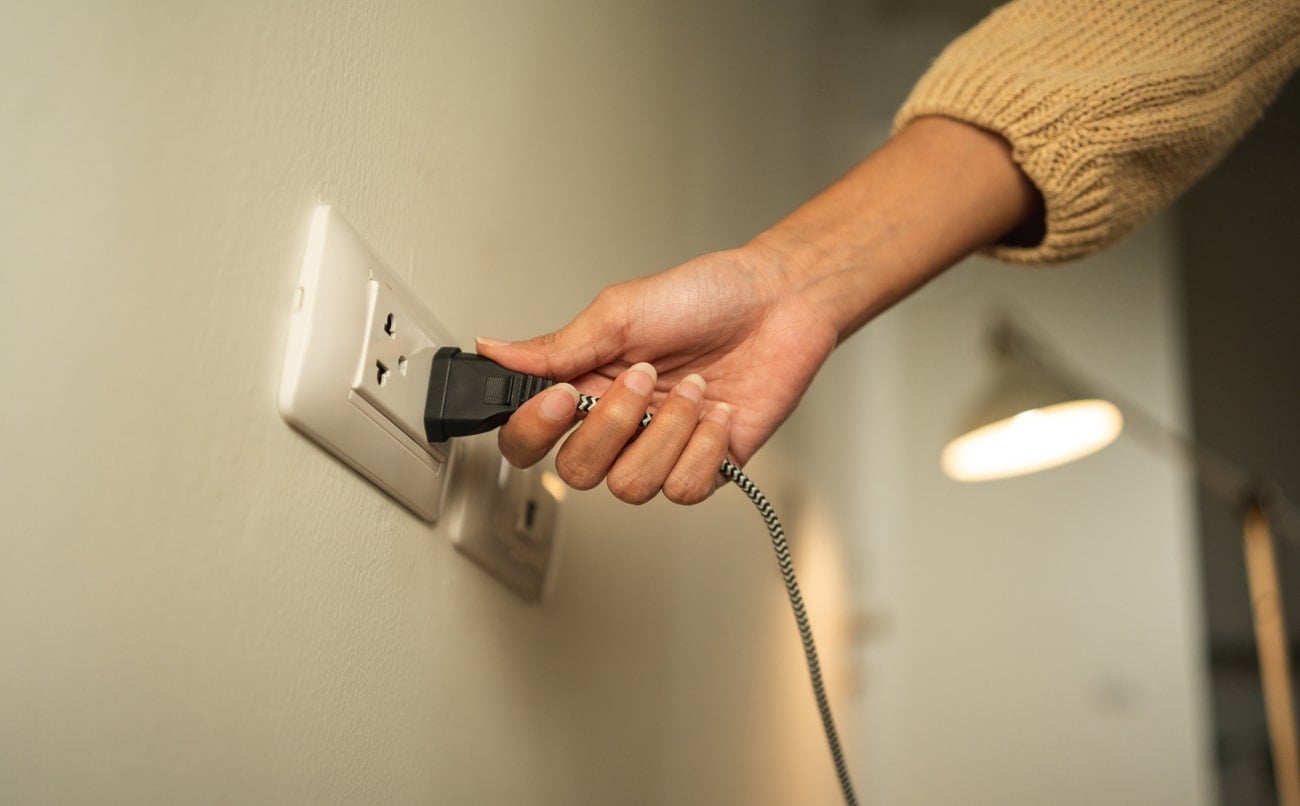
Power off and unplug devices correctly
Electronic devices are sensitive to movement and climate conditions like heat and moisture. Properly disconnecting and turning off all devices before you seal them in boxes helps prevent internal damage, short circuits, or issues when reconnecting your devices later.
Shut them down completely: Don’t just switch your devices to sleep mode — make sure the power button is turned off.
Disconnect the attachments: Unplug all electrical cords or cables from the device, then remove the batteries if applicable.
Organize cords in secure, labeled bags
Once you’ve separated the cables from their corresponding electronic system, use zip ties or Velcro straps to bundle them together. Next, store that bundle in a plastic bag or container and label it based on the device. This will make it much easier to find the right cables when it’s time to unpack and reassemble the electronics in your new home.

Make sure your electronics are clean
Cleaning these devices before you load them into boxes will prevent debris from sticking to them in transit. So wipe off all the screens and surfaces with an electronic-safe, residue-free solvent and remove any dust from the ports and vents.
More Helpful Resources for Your Move: |
How To Pack Electronics for Moving
Understanding how to pack electronics for moving can mean the difference between a smooth transition and costly damage. These tips will streamline the process of packing electronics to ensure they arrive intact and ready for setup.
Pack electronics in their original boxes if possible
Unlike generic moving boxes, the size and shape of the original boxes will accommodate the precise dimensions of the device they were made for. These boxes also include custom foam inserts to keep each device securely cushioned while absorbing the impact of jostles or vibrations. This is important for devices that require screen protection like televisions, computers, and other monitors.
Wrap your devices with anti-static material
Even small amounts of static electricity can harm the circuits in your devices, impacting sensitive components like motherboards, memory chips, or hard drives. Fortunately, packing electronics for moving with anti-static materials will prevent this electrostatic discharge.
Pro Tip: Avoid the use of regular bubble wrap. This kind of bubble wrap is made from plastic, which generates static if it encounters friction. Instead, look for anti-static bubble wrap (usually colored pink), treated with electronic-safe chemicals.
Choose the right size box for each device
If you no longer have the box a device originally came in, make sure whichever box you use is the right size. A box that’s too small can strain fragile mechanisms and cause surface cracks or internal stress. On the other hand, boxes that are too large can result in contents around in transit. Choosing an ideal size keeps your electronics snug and secure without overcrowding them. For more protection, double-box items with a layer of cushioning between the two boxes.
Use filler materials for extra cushioning
Once the electronics are securely in their boxes, filler materials can eliminate empty spaces, so the contents won’t shift or jostle around. This extra stability will absorb impacts and vibrations to protect the corners, screens, or other fragile components.
Pro Tip: Choose the filler materials carefully. Materials like newspaper, towels, or untreated packing peanuts can create electrostatic discharge. Use packing paper and anti-static pads or foam for the most effective, reliable protection.
Group accessories based on the device
Detachable accessories are easy to lose track of in a long-distance move, so bundle these items together before you pack them. Not only will this prevent loss or damage, but it also simplifies reassembly, saving time and hassle in your new home.
Group items based on the device: Pair cables, adapters, remotes, and other modular accessories with the electronics they correspond with.
Store each group in a labeled bag: Place the accessory bundles in a plastic bag, then label it with the contents and the corresponding electronic. Pack this bag in the same box as the device, so you can locate all the parts for reassembly.
Label each box clearly once it’s sealed
As you finish packing each box, seal it up with durable tape and label it with a permanent marker in a visible spot. Write the contents of each box (e.g., “Electronics — Computer, Modem, Router, and Cables”), then indicate “Fragile” and “This Side Up” if applicable. This tells the movers to handle those boxes with care when loading, transporting, and unloading them.
Transport high-value electronics with you
The best way to transport electronics when moving is to store them upright (never horizontally) in the truck and secure them with tie-down straps, with no heavy items or boxes on top.
That being said, certain valuable and climate-sensitive electronics should be kept with you instead of being loaded on the moving truck to minimize the risk of damage, theft, or loss. These include laptops, hard drives, VR headsets, or expensive cameras.
How to Unpack and Set Up Electronics After Moving
Knowing how to pack electronics is just half the battle. After packing electronics for moving and transporting them to your final destination, the final step is to unpack and set them up in your new home. Here’s how to reassemble and reconnect them safely.
Let electronics reach room temperature
After you unpack the electronics, wait several hours before powering them back on. Allowing them to acclimate to room temperature will lower the risk of permanent damage from moisture or condensation that might have accumulated in transit.
Inspect all devices carefully for damage
While the devices are still off, check their screens, vents, ports, cables, and other surface areas for potential damage. Compare each device with the initial photos you took, and immediately report damage to the moving company and start the claims process.
Reassemble them using labels and photos
Now it’s time to set up the electronics in your new home. Locate the cords, cables, and other accessories you stored in plastic bags, then match these items to their corresponding devices.
As you reassemble, look at the reference photos to ensure you reconnect them correctly. This will lead to a quick and efficient setup with minimal frustration.
Connect the cables and test each device
After you reconnect the cables and plug them into an outlet, the last step is to turn on each device. Once they’re running, test the electronics for functionality and contact the movers if you notice internal problems.
Finally, mount or arrange the devices where you want them and use cable management solutions (velcro straps, adhesive clips, cable trays or sleeves, etc.) to keep wires tidy and out of the way for a more organized space.

How To Pack a Computer for Moving
A computer’s hard drives, circuit boards, processors, and other internal mechanisms are highly sensitive to shocks, vibrations, and static electricity. Even minimal impact can damage these components, affecting performance or causing system failure.
Here’s how to pack a computer for moving to protect the device itself and the valuable files it contains.
Back up all your critical data to an external source before packing the computer.
Remove modular accessories and peripherals (keyboards, routers, adapters, flash drives, memory cards, etc.).
Wrap the monitor separately with anti-static materials to protect the screen.
If it’s a desktop computer, remove internal components like the graphics card, then secure it in an anti-static foam sleeve.
Pack the computer inside its original box, or use a durable box with interior padding on each side to limit shock exposure.
Load the box upright on the truck, and ensure no heavy items are placed on top of it.
How To Pack a TV for Moving
Like computers, televisions are also susceptible to damage from vibrations and impacts. Their thin, fragile screens can warp from even a small amount of pressure, leading to external cracks or internal malfunctions. To avoid this, follow these steps for packing a TV.
Cover the screen with a soft cloth, foam sheet, or anti-static bubble wrap.
Slide the television into its original box if you have it, or use a TV-specific moving box with interior foam corners for optimal cushioning.
Load the box upright on the truck, and ensure no heavy items are on top of it.
Secure the box with tie-down straps or heavy pads to minimize jostling.
Mistakes To Avoid When Packing Electronics for Moving
Now that you’re all briefed on how to pack electronics, let's touch on what not to do. Here are some common mistakes to steer clear of when packing electronics for moving.
Not taking photos beforehand: Setting up electronics in your new home can take a long time (and cause serious frustration) without any point of reference. Before you unplug wires and remove modular components, snap a few clear photos, so you won’t have to guess how they connect to the device.
Using lower-quality materials: Flimsy boxes and subpar materials can expose your electronics to damage from static, moisture, or impact. Always choose durable, right-size boxes and anti-static materials made for sensitive items.
Overlooking the cords or cables: Leaving the cables attached or just tossing them into a box can tangle wires, bend ports, and make reassembly confusing. Bundle them with zip ties and place them in secure, labeled bags.
Packing boxes without cushioning: Since most electronics are delicate, failure to pad them with foam, blankets, or anti-static bubble wrap will increase the risk of damage to their screens, surfaces, and internal mechanisms.
Laying TVs or desktop computers flat: Electronics with monitors must be transported vertically. A horizontal position exerts uneven pressure on the device, making it more vulnerable to impact damage. This can lead to screen cracks or scratches and internal malfunctions, such as pixel defects or image distortions.
Not taking the climate into account: Packing electronics in uninsulated bins or leaving them in extreme temperatures can allow moisture to seep into your devices, increasing the risk of external and internal damage. Seal the boxes tightly and keep all electronics in a climate-controlled space during transit as much as possible.
Protect Your Electronics With Colonial Van Lines
With the tips in this guide, you now have the knowledge to safely pack electronics for moving. But if you’d rather leave this job to the pros, Colonial Van Lines can help.
Our team of expert long-distance movers has both the skills and experience to handle all your fragile or valuable items like computers, sound systems, and other electronics. Thanks to our reliable, professional packing and moving services, you can focus on settling into your new home with peace of mind. Contact us for a fast, free quote today!